
Training AI on Content Style
Building a tool for all Mailchimp designers
Overview
I led a team of designers to train the Intuit instance of Writer to sound more like Mailchimp, giving our entire design org a tool to help create solid content and free up time for our content design team.
Once the unified Writer instance was ready to go, I created and led training for our design org to not only understand how to use Writer, but also Content Design basics and Mailchimp’s tone and voice.
Background
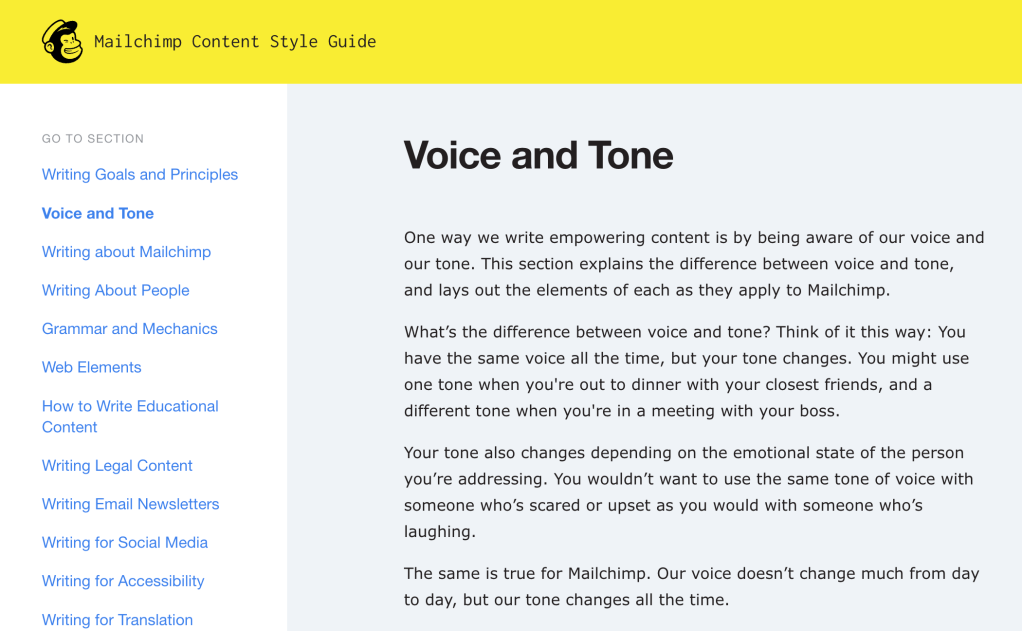
When Intuit acquired Mailchimp, all designers were converted to full stack designers, able to design both product and content. Obviously, this was a major change, and the product designers needed help learning how to write content for our software.
One of the tools Intuit introduced to our design team was Writer. I saw how this could be a powerful tool for all of our designers, especially giving product designers a way to learn how to write for Mailchimp products. This could also help extend the content designer team’s reach without adding extra work on our plates.
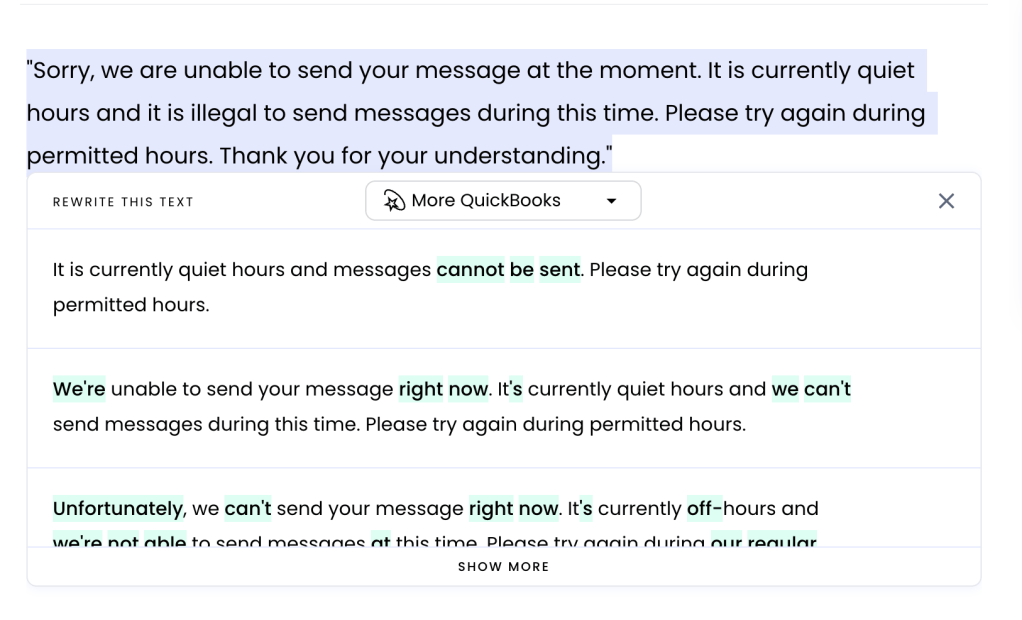
There was just one problem – the Writer instance was only trained on Intuit and Quickbooks content. Mailchimp has an iconic brand identity, including tone and voice, and it was important to us that we preserve it, even as we were changing to Intuit standards.
Training Writer
I approached the team at Quickbooks who had trained Writer with their tone and voice with the concept of adding Mailchimp, making a more unified Intuit voice, and I got the ok.
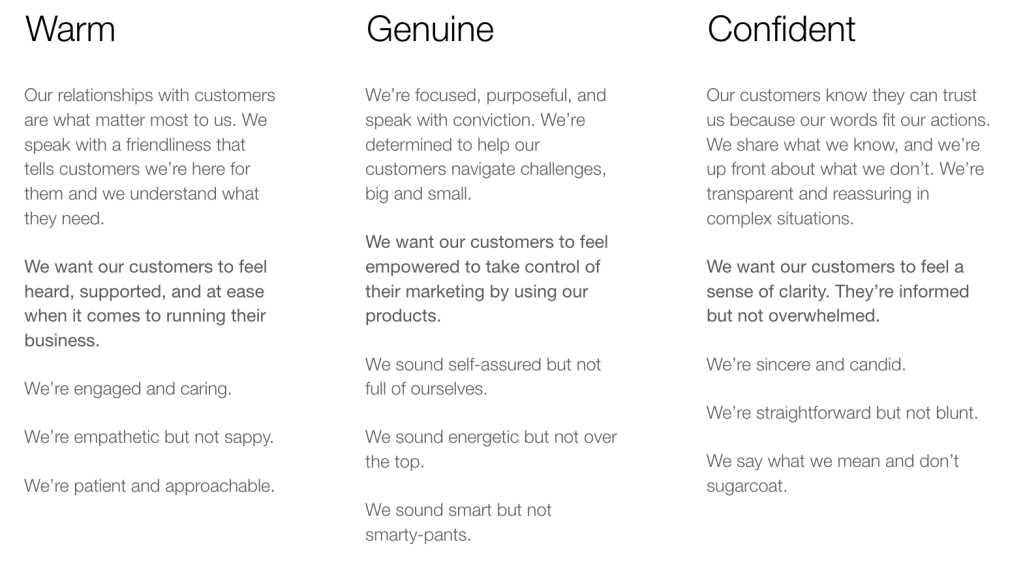
Quickbooks trained their AI to create a Writer template based on these attributes, which were very similar to Mailchimp’s voice attributes:
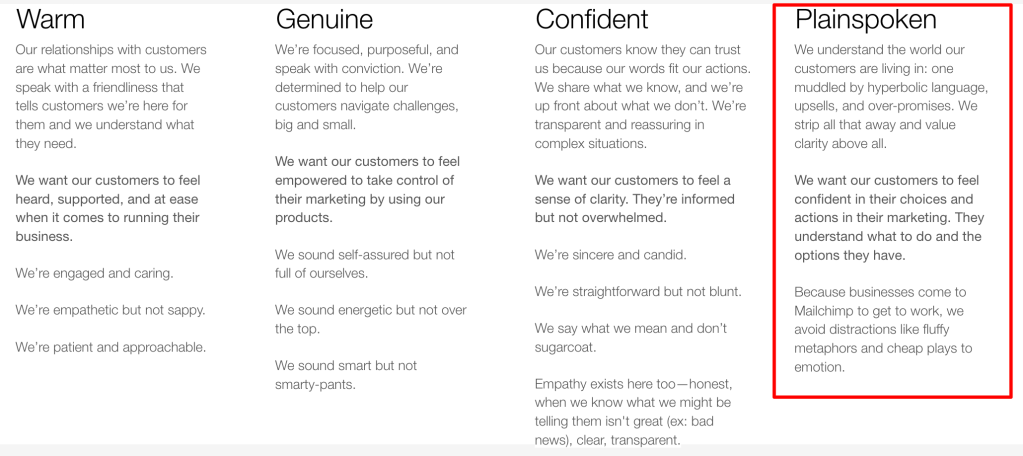
To introduce Mailchimp into the mix, we added Plainspoken. This added an element of simplicity, that we strive to be as clear and easy to understand as possible.
The one thing we didn’t train Writer on was humor. Mailchimp has a very specific way we use humor in our writing, with a lot of nuance on when, where, and how. We felt we couldn’t train the tool to understand that nuance, so it’s one element we left in human writers’ hands.
Once we knew the attributes, I formed a team of content designers, designers, and folks from our marketing team to find the best writing examples from across the Mailchimp ecosystem.
I added examples and oversaw the process, making sure that we had an even spread across the attributes, a good balance of marketing versus product messages, and equal representation of the various parts of Mailchimp’s products.
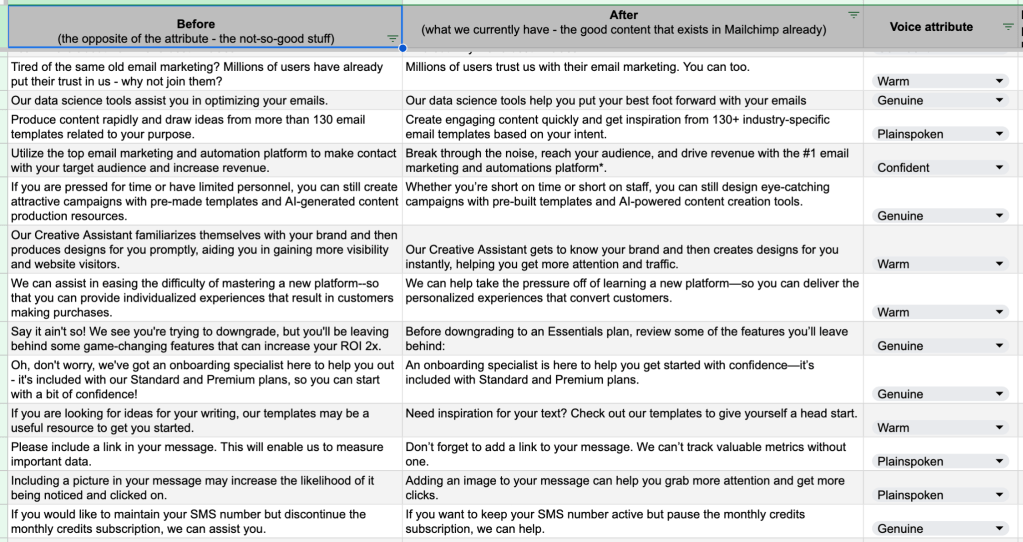
Once we felt like the data set was ready, the developers added it to Writer. Our team did an extensive QA and after adding a few more examples, we felt like it was ready to release to the design org. The results had messages with less emphasizing language and more concise language.
Teaching the team Writer
Once Writer was ready, we needed to teach folks how to use it. Not only that, but I learned that a lot of our product designers weren’t familiar with our voice and tone principles. And even more hadn’t thought about grammar rules since high school.
So I developed a training session to do live, where we would do an educational section about Mailchimp voice & tone and some grammar basics, then go over how find and use the Writer instance, and do a live exercise together.
One of the most successful parts of the training was the live Writer exercise. I provided some message examples, and had everyone enter them into Writer and chose 3 options they felt were the best outcomes. We then shared them aloud, discussing which were the best and worse, and what made them work or fail. We had great engagement and actually ran over our time because we had such great discussions.
Writer in action
This was the last project I worked on at Mailchimp, so I only got to see it in action shortly, but I got a lot of feedback from our designer team, both on how useful they found the tool, how easy it was to use, and how much they were able to put into immediate action from the training.
 Alyssa Jackson